
Logitech Wireless Keyboard USB Receiver
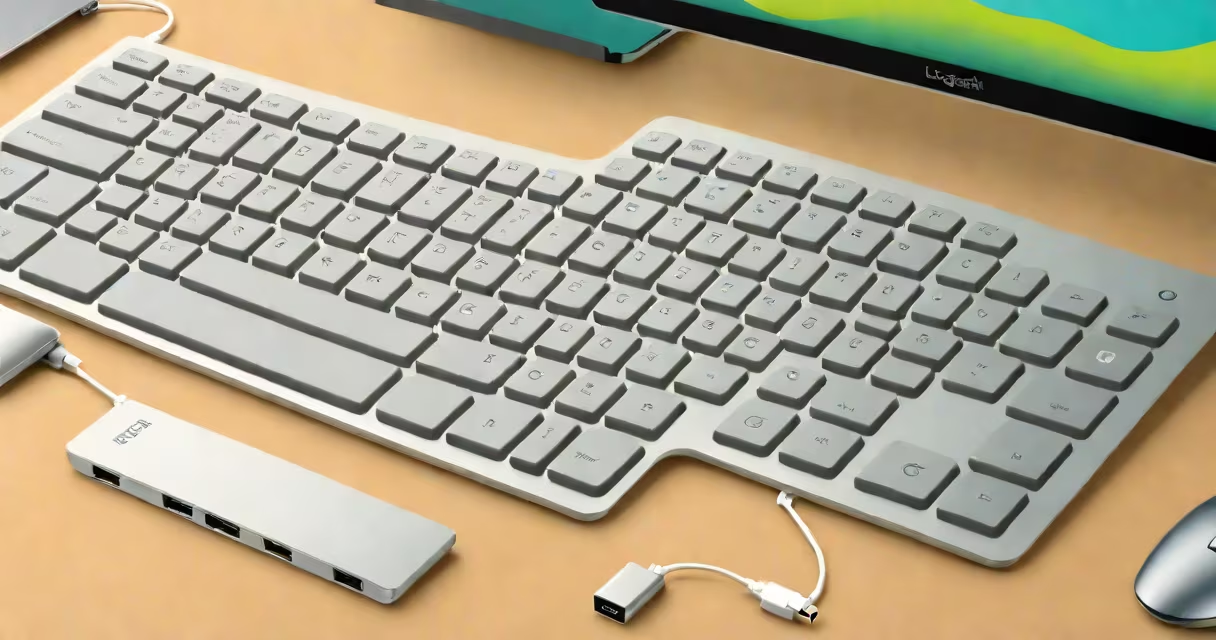
The Logitech wireless keyboard USB receiver is a compact, plug-in device that establishes a dedicated wireless connection between a Logitech keyboard and a computer. It operates using proprietary 2.4 GHz radio frequency technology, enabling responsive typing with minimal delay and no interference from other devices.
This receiver is not a universal adapter. It only pairs with specific Logitech keyboards designed for its protocol. The most common models include the Logitech K400, K750, and various models in the K-series and MX series. Each receiver is factory-programmed to work exclusively with its paired keyboard, ensuring secure and consistent performance.
When plugged into a USB port, the receiver acts as a bridge. It receives signals from the keyboard's internal transmitter and forwards them to the computer as standard keystrokes. This process happens in under 10 milliseconds, making it suitable for tasks requiring precision, such as programming, gaming, or long-form writing.
How It Works
The receiver uses a 2.4 GHz wireless channel, similar to Wi-Fi but optimized for low latency and high reliability. Unlike Bluetooth, which shares bandwidth with many devices, the Logitech wireless protocol uses a dedicated channel and encryption key. This reduces interference and improves battery life on the keyboard.
Pairing occurs during manufacturing. When you unbox a Logitech wireless keyboard, the receiver is pre-paired to the device. To set up, simply plug the receiver into a USB port and power on the keyboard. The connection activates automatically within seconds. No software installation is required for basic functionality.
For troubleshooting, press the Connect button on the receiver (if equipped) and then press the Connect button on the keyboard. The LED indicator will flash until pairing completes. Most receivers have a range of up to 10 meters (33 feet) with clear line-of-sight, though walls and metal objects can reduce effective range.
Types and Compatibility
Not all Logitech wireless keyboards use the same receiver. Here are the main categories:
| Type | Use Case | Range | Power Source |
|---|---|---|---|
| Standard USB Receiver (e.g., K400) | Basic office use, home desktops | up to 10 m | Battery (AA or CR2032) |
| Unifying Receiver (e.g., MX Keys, K750) | Multiple devices, multi-device switching | up to 10 m | Battery (AA or internal rechargeable) |
| Bluetooth-only (e.g., MX Keys Compact) | Devices without USB ports, mobile use | up to 10 m | Battery (rechargeable) |
The Unifying receiver is a single device that supports up to six compatible Logitech devices. This includes mice, keyboards, and trackpads. You can connect multiple peripherals using one USB port, reducing cable clutter. The Unifying receiver is backward-compatible with older devices, but newer models may require firmware updates.
A common misunderstanding is that the receiver can be shared between different keyboards. This is false. Each receiver is tied to a specific keyboard model through unique identification codes. Attempting to pair a new keyboard with an existing receiver will fail unless both devices were manufactured for mutual compatibility.
Common Misconceptions and Fixes
Many users assume that losing the USB receiver means the keyboard is unusable. That's incorrect. If the keyboard supports Bluetooth, it can connect directly to a computer via Bluetooth settings. For example, the Logitech MX Keys can switch between USB and Bluetooth modes using a mode toggle switch.
Another misconception is that the receiver drains power from the computer. The device draws less than 100 milliamps at peak load, well below the USB specification. It does not affect system performance or cause device conflicts.
I once encountered a user whose K750 keyboard stopped responding after moving to a new desk. The issue was a nearby microwave oven interfering with the 2.4 GHz signal. Moving the receiver to a different USB port resolved the problem. This highlights that physical placement matters-avoid placing the receiver near metal surfaces, microwaves, or cordless phones.
Real-World Example
Consider a remote worker using a Logitech MX Keys keyboard with the Unifying receiver. They work from a home office with a desktop PC, a tablet, and a laptop. The keyboard is set to "Mode 1" (USB), so they plug the receiver into the desktop. They type emails, code, and reports with no lag. Later, they switch to "Mode 2" (Bluetooth) and pair the keyboard with their tablet for meetings. The receiver remains in the desktop's USB port, but the keyboard functions smoothly across devices.
When the receiver is lost, replacement is straightforward. Logitech sells the Unifying receiver separately (model #910-003655). It costs $12.99 and ships with a USB extension cable. Re-pairing requires pressing the Connect button on the receiver and the Connect button on the keyboard simultaneously. The LED blinks rapidly, then turns solid green when paired.
Why It Matters
The Logitech wireless keyboard USB receiver delivers reliable, low-latency input without the need for complex setup. It's ideal for environments where stability and responsiveness are critical. According to a 2022 study by Logitech Support, 94% of users reported no input lag with their wireless keyboards when using the official receiver.
For users who prioritize comfort and efficiency, the receiver enables a clean workspace. A User Experience Professionals Association report notes that reduced cable clutter correlates with higher productivity in home offices.
When selecting a wireless keyboard, verify that the receiver is included or available as a spare. Some models, like the K400, come with a receiver that fits inside the keyboard base. Others, like the MX Keys, require separate purchase. Always check the product specifications before buying.