
aws lambda architectures
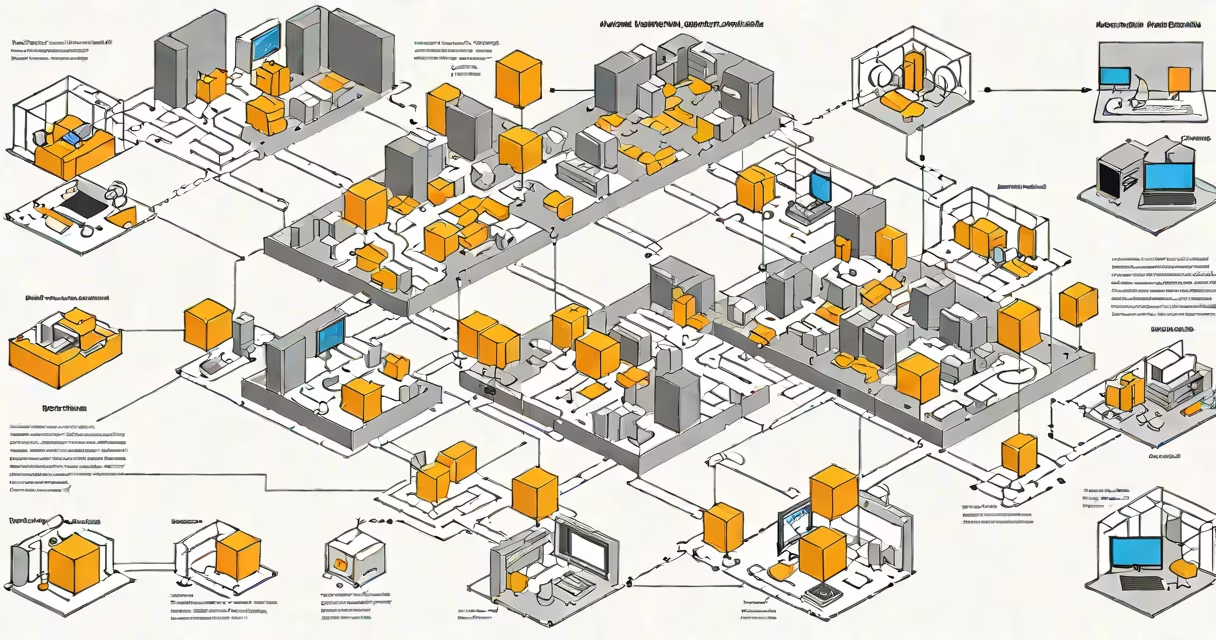
AWS Lambda architectures are event-driven application designs that execute code in response to triggers without provisioning or managing servers. These systems scale automatically, charge only for execution time, and integrate natively with AWS services like S3, API Gateway, and DynamoDB.
Lambda functions run in isolated environments managed by AWS. Each function executes a specific task-processing an uploaded file, validating a form submission, or updating a database-and terminates after completion. The runtime environment handles scaling, patching, and infrastructure management. This eliminates the need to provision virtual machines or containers.
For example, when a user uploads a photo to an S3 bucket, a Lambda function can trigger automatically to resize the image, generate thumbnails, and store them in another S3 folder. The entire process runs in under 500 milliseconds and costs less than $0.000001 per execution. No servers are involved-just code and triggers.
How aws lambda architectures work
Each Lambda function is triggered by an event from a supported source. Common triggers include S3 object creation, API requests via API Gateway, messages from Amazon SQS or SNS, or changes in DynamoDB tables. When an event occurs, AWS invokes the function with the event data as input.
The function runs in a temporary container with allocated memory (from 128 MB to 10 GB) and CPU capacity proportional to memory size. Execution time is limited to 15 minutes per invocation. After completion, the container shuts down. AWS manages the lifecycle-no configuration needed.
Functions can call other AWS services using SDKs or direct API calls. A function processing an image upload might use the AWS SDK for Node.js to call Rekognition for facial recognition, then store metadata in DynamoDB. All interactions happen within the AWS network, minimizing latency and avoiding public internet exposure.
Types of aws lambda architectures
Architectures vary based on complexity, data flow, and integration patterns. The most common types are:
| Pattern | Use Case | Key Services | Example |
|---|---|---|---|
| Single Function | Simple automation tasks | S3, Lambda, CloudWatch | Resize images on upload |
| Chaining (Sequential) | Multi-step workflows | EventBridge, Lambda, SQS | Process orders: validate → charge → ship |
| Parallel Processing | High-throughput data ingestion | Kinesis, Lambda, S3 | Stream log data from IoT devices |
| Stateful Workflows | Long-running processes | Step Functions, Lambda, DynamoDB | Onboarding users with multiple checks |
Chaining architectures use EventBridge or SQS to route outputs from one function to the next. For example, a payment processing system might have three functions: validate payment details, check fraud risk, and update inventory. Each step runs only after the previous completes.
Parallel architectures split large inputs into smaller chunks. A video transcoding pipeline might spawn 10 Lambda functions simultaneously to convert different segments of a 2-hour movie. This reduces total processing time from hours to minutes.
Stateful workflows use AWS Step Functions to orchestrate sequences of Lambda functions. Each state represents a function execution. Step Functions track progress, handle retries, and manage errors. This pattern prevents cascading failures and enables debugging through visual logs.
Common mistakes and misconceptions
Many teams assume Lambda is always cheaper than EC2. That's false. Lambda charges per 100ms of execution time and includes overhead. A function running continuously for 10 hours may cost more than a single EC2 instance running at $0.01/hour.
Another error is placing long-running operations inside Lambda. Functions timeout after 15 minutes. Tasks like video rendering or batch data transformation should use Step Functions or ECS instead. I once reviewed a deployment where a Lambda function attempted to compress a 5GB file-execution failed repeatedly due to timeout. Moving the task to a batch job in ECS resolved the issue.
Some developers also treat Lambda as a replacement for microservices. While Lambda supports modular design, it lacks persistent state. For applications requiring shared memory or complex session management, using Lambda alone creates technical debt. Combine Lambda with DynamoDB or ElastiCache for better performance.
Best practices and real-world examples
Start with a clear separation of concerns. Each Lambda function should do one thing well. A function handling user signups should not also send emails or update analytics. Split responsibilities into dedicated functions.
Use environment variables for configuration. Store secrets in AWS Secrets Manager or Parameter Store. Never hardcode credentials. During testing, deploy separate environments (dev, staging, prod) with distinct IAM roles and resource names.
For example, a retail app uses Lambda to process checkout events. When a purchase is confirmed, a Lambda function triggers to:
- Check inventory in DynamoDB (cost: ~$0.0000002 per read)
- Charge the customer via Stripe (cost: ~$0.000005 per API call)
- Update order status in a database (cost: ~$0.0000003 per write)
- Send a confirmation email using SES (cost: ~$0.0001 per email)
Total cost per transaction: under $0.0002. The system handles 10,000 transactions daily with no infrastructure changes. Scaling happens automatically during peak shopping periods.
According to AWS documentation, Lambda can scale to over 1,000 concurrent executions per region without configuration. The service automatically provisions containers based on incoming load. This allows startups to launch with minimal upfront investment.
Finally, monitor performance with CloudWatch Logs and Metrics. Set alarms for invocation failure rates above 1%. Use X-Ray for tracing distributed calls. These tools reveal cold start delays, throttling, and unexpected errors.
aws lambda architectures deliver scalable, cost-effective execution for event-driven logic. They excel in scenarios involving variable loads, short-lived tasks, and tight integration with AWS services. Use them wisely-avoid overuse in long-running or state-heavy applications.