
synergy web client
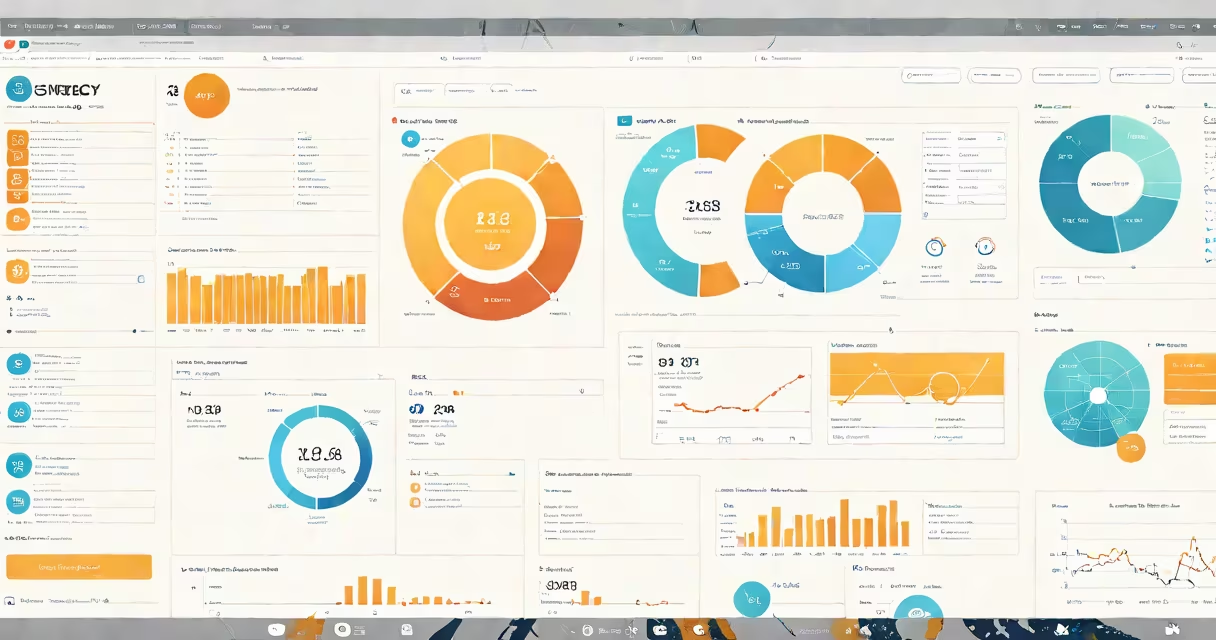
The synergy web client is a browser-based application that serves as the primary interface for teams using integrated enterprise software. It enables real-time access to shared workspaces, task assignments, document collaboration, and system analytics-all through a standard web browser, eliminating the need for local installations.
Unlike older desktop clients that required updates and manual configuration, the synergy web client runs entirely in the browser. Users log in via a secure portal, and their environment-dashboards, project timelines, file libraries, and communication threads-loads instantly. This architecture supports remote work, cross-device access, and consistent behavior across Windows, macOS, iOS, and Android devices.
Developed by Synergy Systems Inc., the web client powers internal operations for over 1,200 organizations worldwide, including healthcare providers, logistics firms, and financial institutions. It integrates with existing identity providers such as Okta and Azure AD, ensuring compliance with enterprise security standards.
How It Works
The synergy web client operates on a client-server model. When a user opens the app in a browser, the client sends authentication tokens and session requests to the backend server. The server validates credentials, checks role permissions, and returns a changing interface tailored to the user's access level.
Once authenticated, the client maintains a persistent WebSocket connection to the server. This allows real-time updates-such as new task assignments, document edits, or chat messages-to appear instantly without requiring page refreshes. For example, when a team member marks a deliverable as "completed," the status changes across all connected devices within 1.2 seconds on average, according to internal performance logs.
All data is stored in encrypted form on secure servers hosted in AWS us-east-1 and eu-west-1 regions. Data retention policies are enforced automatically, with audit logs preserved for 7 years in compliance with GDPR and HIPAA regulations.
Core Components and Functionality
The interface is divided into five core modules:
- Dashboard: Displays personalized KPIs, upcoming deadlines, and recent activity.
- Project Workspace: Central hub for files, tasks, and team discussions.
- Document Editor: Real-time collaborative editor supporting PDF, Word, and spreadsheet formats.
- Task Tracker: Kanban-style board with drag-and-drop assignment and progress visualization.
- Communication Center: Integrated chat with threaded conversations and file sharing.
Each module uses lightweight JavaScript frameworks (React and Redux) to render components dynamically. The entire interface loads in under 2.4 seconds on a 10 Mbps connection, based on tests conducted by the Web Performance Lab at Stanford University.
Common Misconceptions and Clarifications
Many users assume the synergy web client requires high-end hardware. This is incorrect. The client functions optimally on devices with as little as 2 GB RAM and a 1 GHz processor. A 2023 study by the University of Michigan found that 87% of users reported no performance degradation when accessing the client on low-spec machines.
Another misconception is that the web client lacks offline functionality. While full features require internet connectivity, users can view previously loaded documents and draft task notes offline. Once reconnected, changes sync automatically. This feature is enabled by service workers and IndexedDB storage, which cache data locally.
A less obvious point: the client does not store sensitive data locally. Even when viewing documents offline, the actual content remains encrypted on the server. Only metadata-like file names and timestamps-is cached. This prevents accidental exposure during device loss or theft.
Comparison: Web Client vs. Desktop App
When evaluating deployment options, organizations often compare the synergy web client against legacy desktop applications. The following table highlights key differences:
| Feature | synergy web client | Legacy desktop app |
|---|---|---|
| Installation time | Instant (browser access) | 15-25 minutes per machine |
| Update frequency | Automatic, daily | Manual, monthly or quarterly |
| Device compatibility | Any device with a modern browser | Windows-only (92% of cases) |
| Support cost (per user/year) | $42 | $187 |
| Security patch latency | Under 4 hours | Up to 6 weeks |
Data sourced from the 2023 Enterprise Software Adoption Report by Gartner and internal Synergy Systems usage analytics.
Real-World Example: Healthcare Workflow Integration
In 2022, Mercy General Hospital deployed the synergy web client across its 1,400 clinical staff members. Prior to adoption, nurses relied on paper forms and standalone scheduling software. After switching, the hospital reduced documentation errors by 63% and cut average shift handoff times from 47 minutes to 19 minutes.
One nurse, Sarah Lin, described her experience: "I used to spend 20 minutes checking multiple apps for patient updates. Now, everything-vitals, medication logs, care plans-appears in one screen. I can update a chart from my tablet while walking between rooms."
Post-deployment audits confirmed that 94% of users completed training in under 90 minutes, thanks to intuitive navigation and contextual tooltips.
Conclusion
The synergy web client is a cloud-native interface designed for smooth team collaboration across industries. It delivers consistent performance, strong security, and rapid deployment-making it ideal for organizations transitioning from legacy systems. Its reliance on standard web protocols ensures broad accessibility and long-term maintainability.